Documentation IndexFetch the complete documentation index at: /llms.txtUse this file to discover all available pages before exploring further.
Fetch the complete documentation index at: /llms.txt
Use this file to discover all available pages before exploring further.
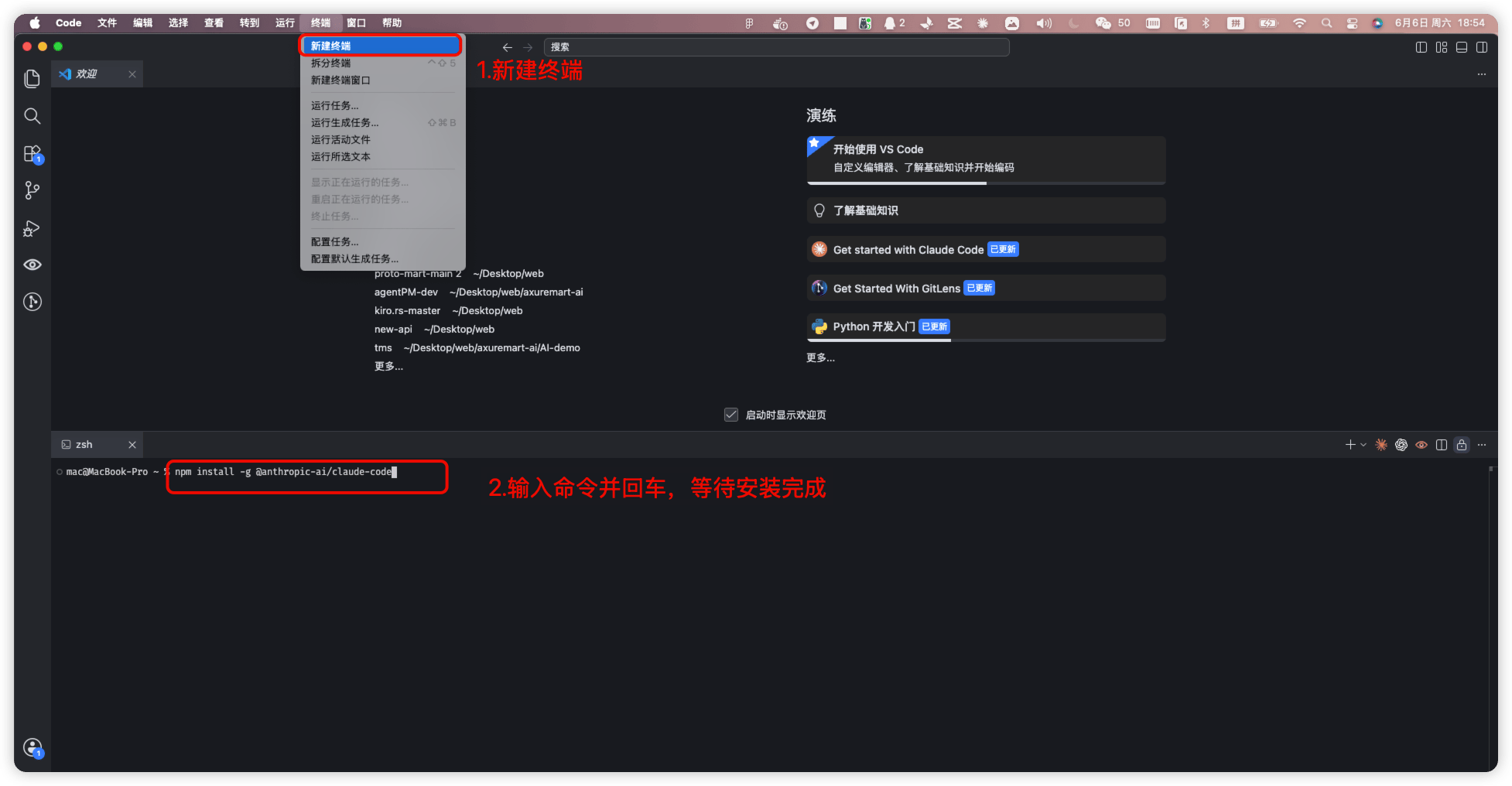
在 VSCode 终端中安装和更新 Claude Code
npm install -g @anthropic-ai/claude-code
errno: -13
sudo npm install -g @anthropic-ai/claude-code
claude --version
claude install
npm update -g @anthropic-ai/claude-code
npm install -g @anthropic-ai/claude-code@版本号