

1、编辑器(VSCode / Trae / Cursor)终端安装
- 打开编辑器
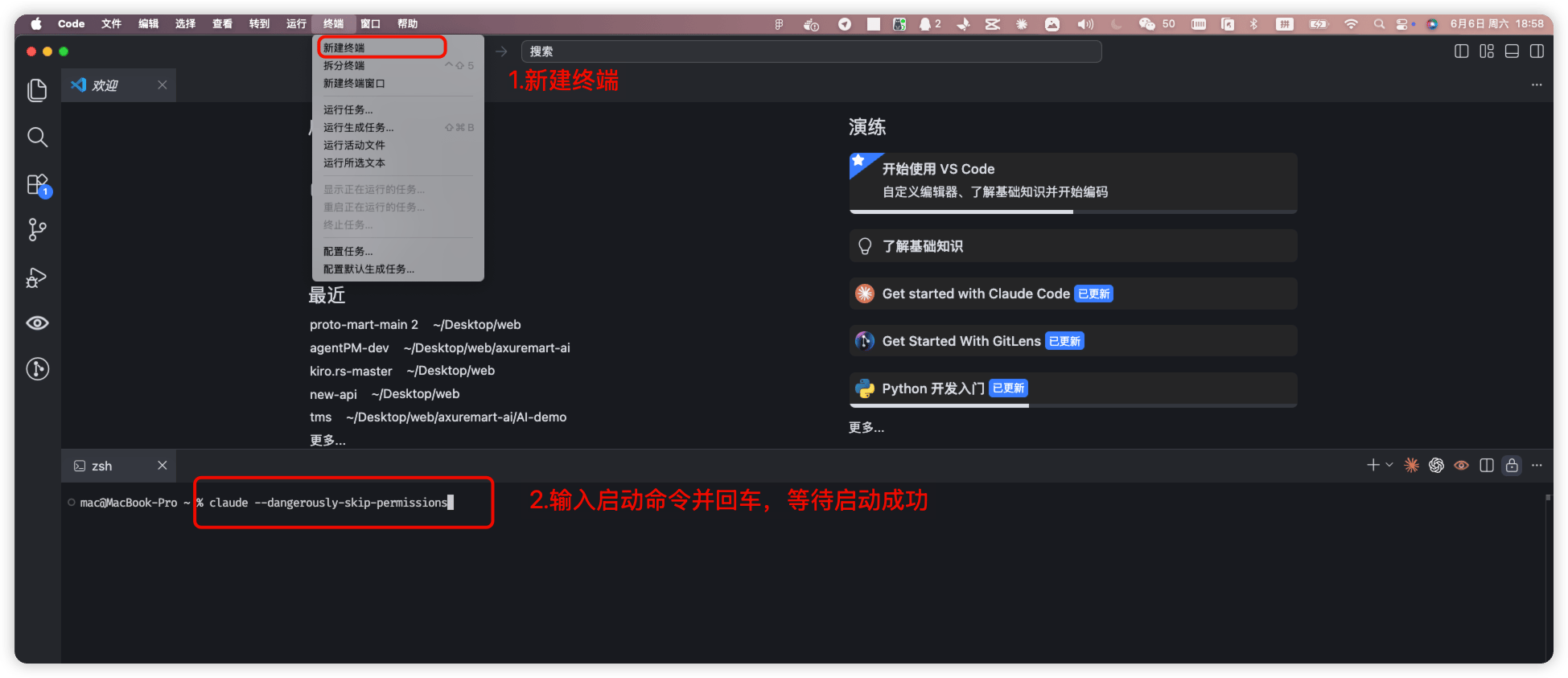
- 点击顶部菜单「终端」→「新建终端」
- 终端窗口会在 VSCode 底部打开
- 输入以下命令
- 苹果电脑如果遇到权限错误(提示
errno: -13),请使用以下命令:
2、编辑器(VSCode / Trae / Cursor)可视化插件安装
- 打开编辑器
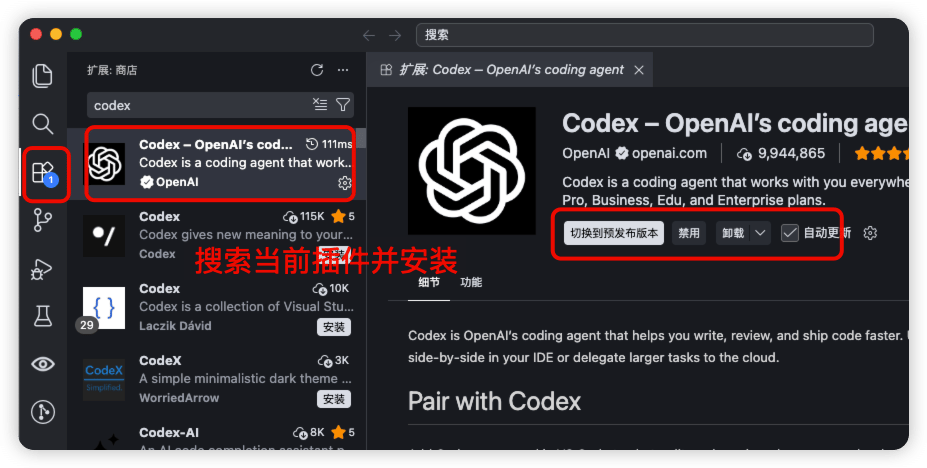
- 找到插件市场
- 搜索 codex 插件并安装
3、ChatGPT 桌面端下载
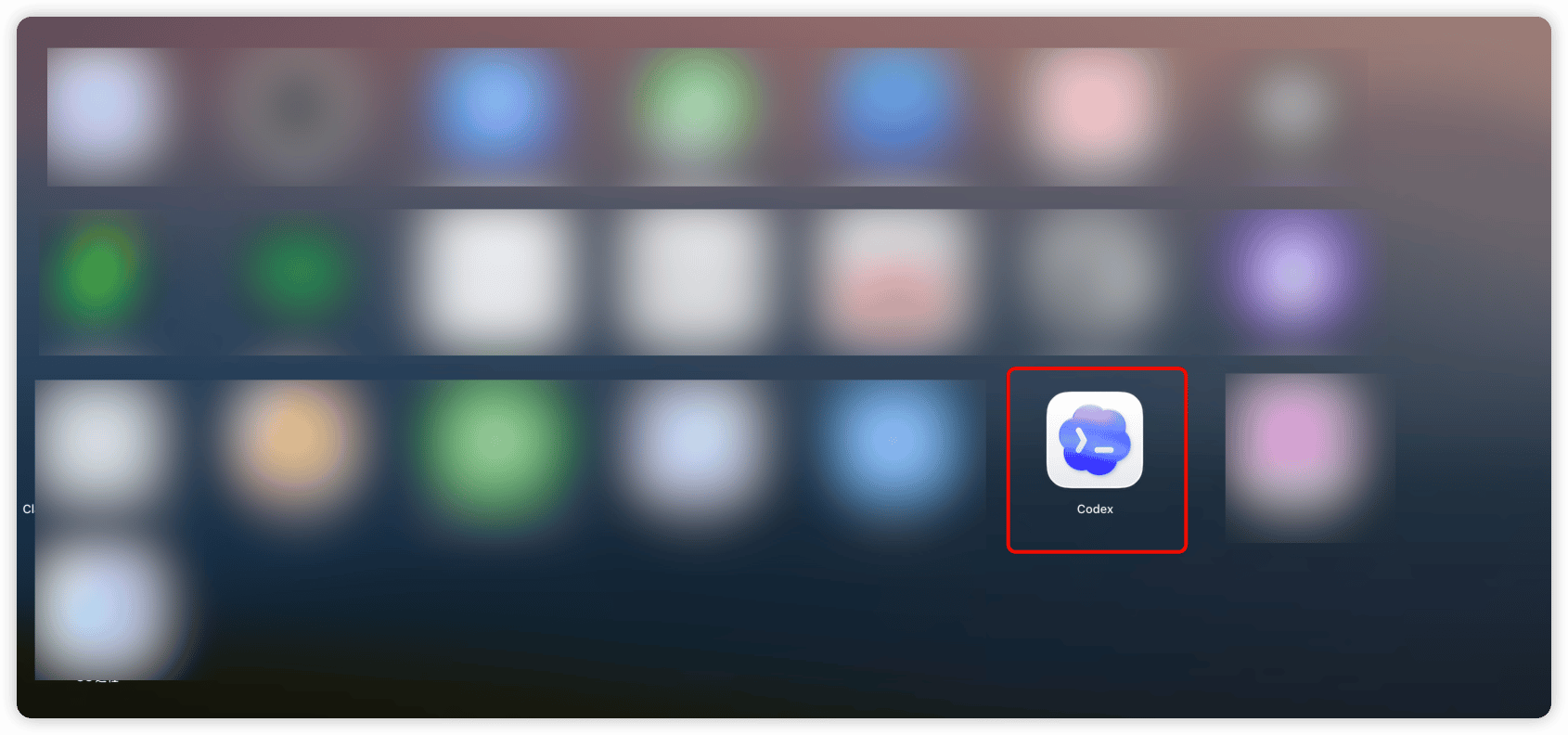
- 打开 GPT 官网:https://chatgpt.com/codex
- 下载并安装
安装 Codex 终端工具、编辑器插件和 ChatGPT 桌面端
errno: -13),请使用以下命令: